
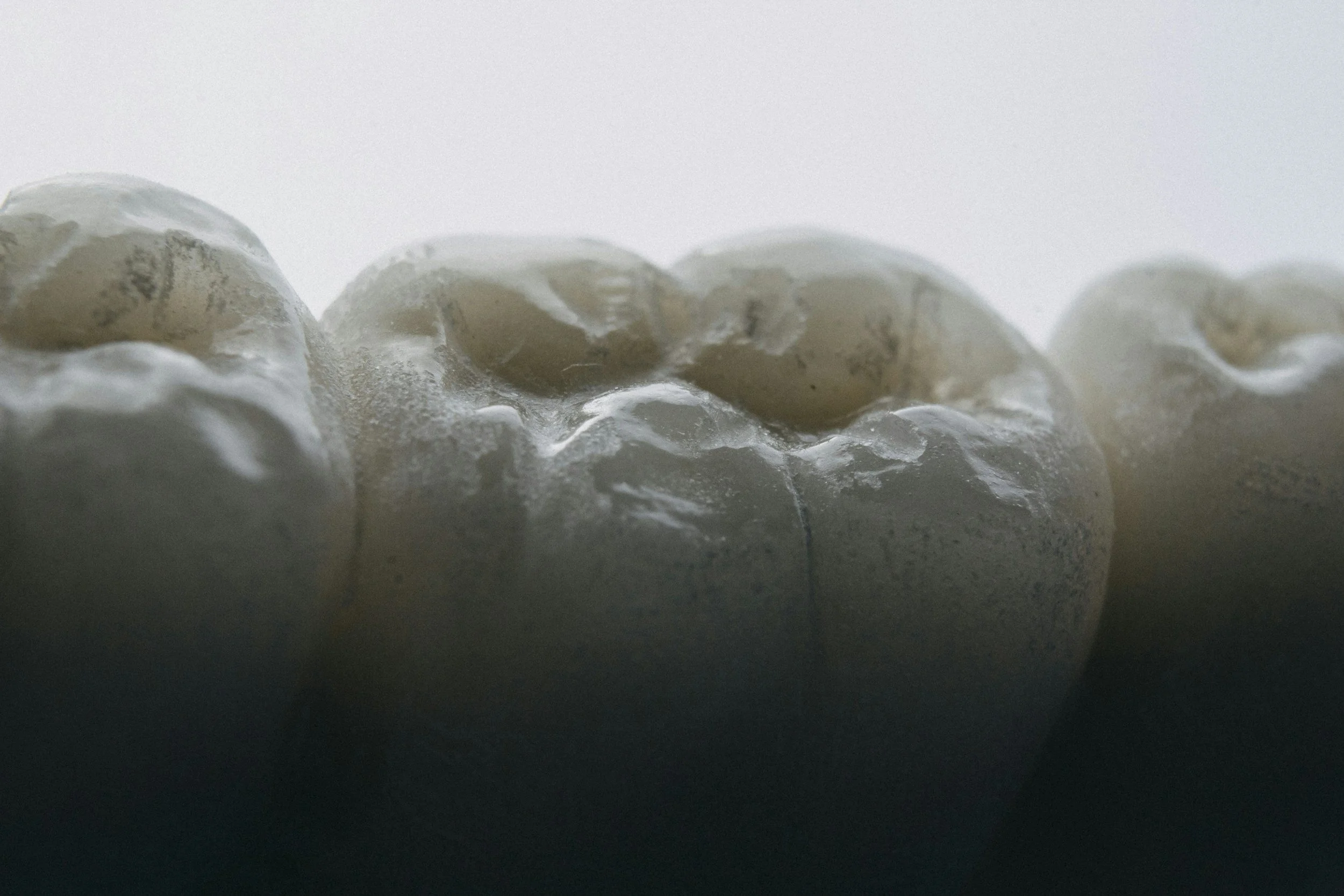
Digital Restorative Solutions
TomoArte Dental Lab integrates refined craftsmanship with modern digital technology to support clinicians in achieving accurate, consistent, and efficient restorative outcomes.
Our digital workflow is designed to support crown and bridge, implant restorations, and complex restorative cases through clear communication, precise case handling, and careful attention to clinical fit. From digital scans to hand-finished restorations, every case is approached with the same standard of accuracy, artistry, and collaborative planning that defines TomoArte.
How We Support Digital Cases
We work with clinicians to support digital case submission, CAD/CAM restorative workflows, implant planning coordination, and digitally designed restorations.
Our team can assist with:
Digital crown and bridge workflows
Implant restorative workflows
CAD/CAM-supported restorations
Digital design coordination
Shade communication and case documentation
Complex restorative case planning
Send a Digital Case
TomoArte Dental Lab accepts digital case submissions for crowns and bridges, implant restorations, full-arch solutions, and digitally coordinated restorative workflows.
We currently support iTero, 3Shape, and other compatible digital scanner platforms. See below for your digital scanner connection instructions.
If your practice uses a scanner other than iTero or 3Shape, please contact us. After reviewing and approving compatibility, we'll work with your office to establish a secure connection through the appropriate digital platform whenever possible.
Our team is available to assist with scanner connections, digital case submission, and workflow support to ensure a smooth and efficient experience.
Email: info@tomoartedentallab.com
Phone: (201) 540-9854
iTero
On your iTero scanner, select Find a Laboratory, or use the iTero Lab Locator.
Search for TomoArte Dental Lab or use Lab ID: 675700.
Once connected, select TomoArte Dental Lab when sending your digital case.
If you are unable to locate TomoArte, contact iTero Support and provide Lab ID 675700.
Preferred Case Information
To help us review and process digital cases efficiently, please include:
Doctor name and office
Tooth number
Restoration type
Shade information
Material preference
Implant system, if applicable
Any photos, notes, or special instructions
The date the case is due back at your office
Please avoid sending unnecessary patient information when it is not required for case fabrication or communication.
3Shape TRIO
Go to 3Shape Communicate.
Search for lab@tomoartedentallab.com.
Connect with TomoArte Dental Lab.
Once connected, select TomoArte when sending your digital case.
Other Digital Scanners
If your practice uses a scanner other than iTero or 3Shape, please contact TomoArte.
After reviewing compatibility, we can work with your office to establish a digital connection through the appropriate portal.
info@tomoartedentallab.com
(201) 540-9854